MIDI Device Compatibility
Correct for Build 111, 1 September 2026
Virtually every piece of equipment works with MIDIDeviceManager. What differs is how much of the work it can do for you.
Read directly from the unit
For this equipment, MIDIDeviceManager can ask the unit itself for its patch list and build a Searchable Instrument Index without a file, a download or any typing. Where noted, it can also tell you which patch the unit is currently set to.
| Equipment | Patches read | Index directly from the unit | Knows the current patch | |
|---|---|---|---|---|
| Roland/Boss GT-Pro | 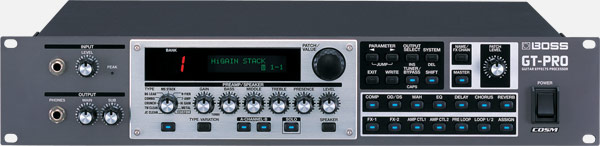 | 400 | Yes | Yes, by asking |
| Roland GR-55 | 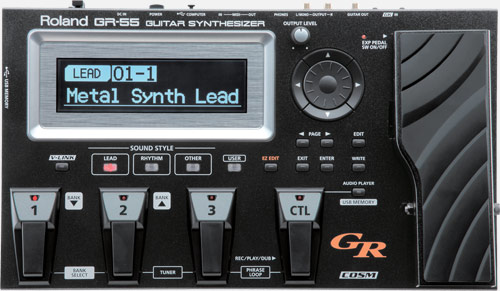 | 657 | Yes | Yes, by asking |
| TC-Helicon VoiceLive 2 | 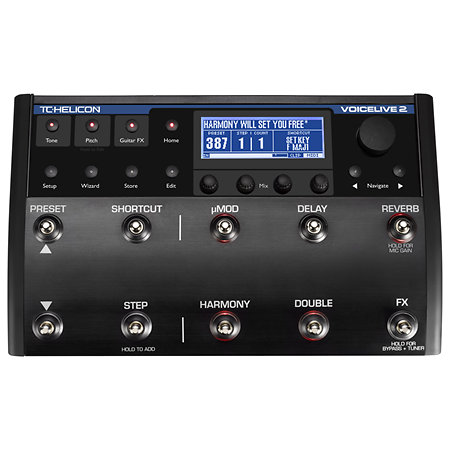 | 384 | Yes | Yes, by asking |
| Strymon BigSky | 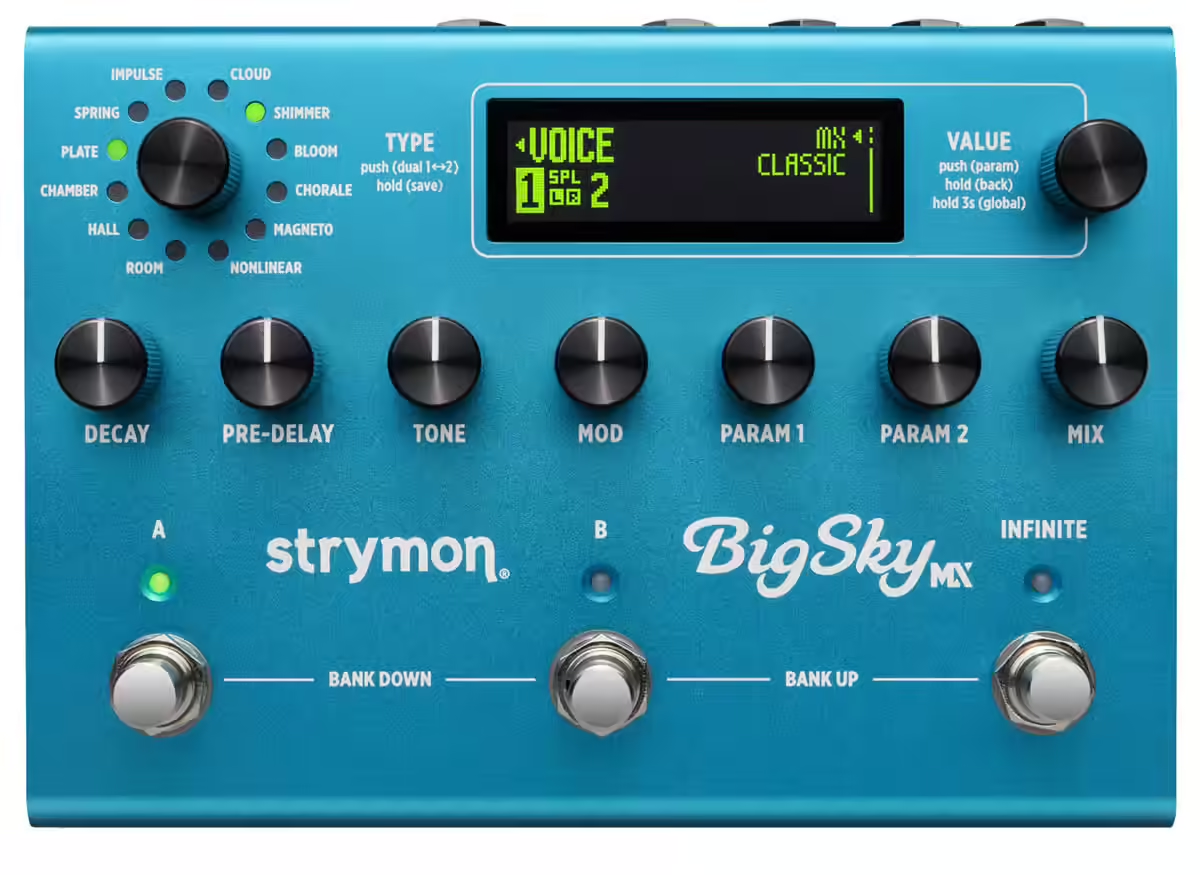 | 300 | Yes | Yes, by listening |
| Line 6 POD 2.0 | 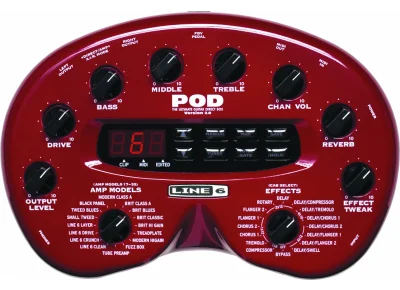 | 36 | Yes | Yes, by asking |
Reading an index directly from the unit is available in Standard and Pro. Nothing on this page needs Pro mode.
Asking and listening are different, and the difference matters if your equipment does neither. Asking means MIDIDeviceManager sends a request and the unit replies with the patch it is on. Listening means MIDIDeviceManager watches for the message your equipment sends when you change patch on its own front panel. Listening gives the location rather than the name — the name comes from your index.
The POD 2.0 also shows the amp model used by each program, beside its name. A POD 2.0 displays only the slot number, 1A through 9D, and never tells you what is in it.
Read from a file
MIDIDeviceManager can build an index from a file your equipment’s own software produces, or from a spreadsheet.
| Source | What it is | Works with | |
|---|---|---|---|
| Line 6 Helix backup | 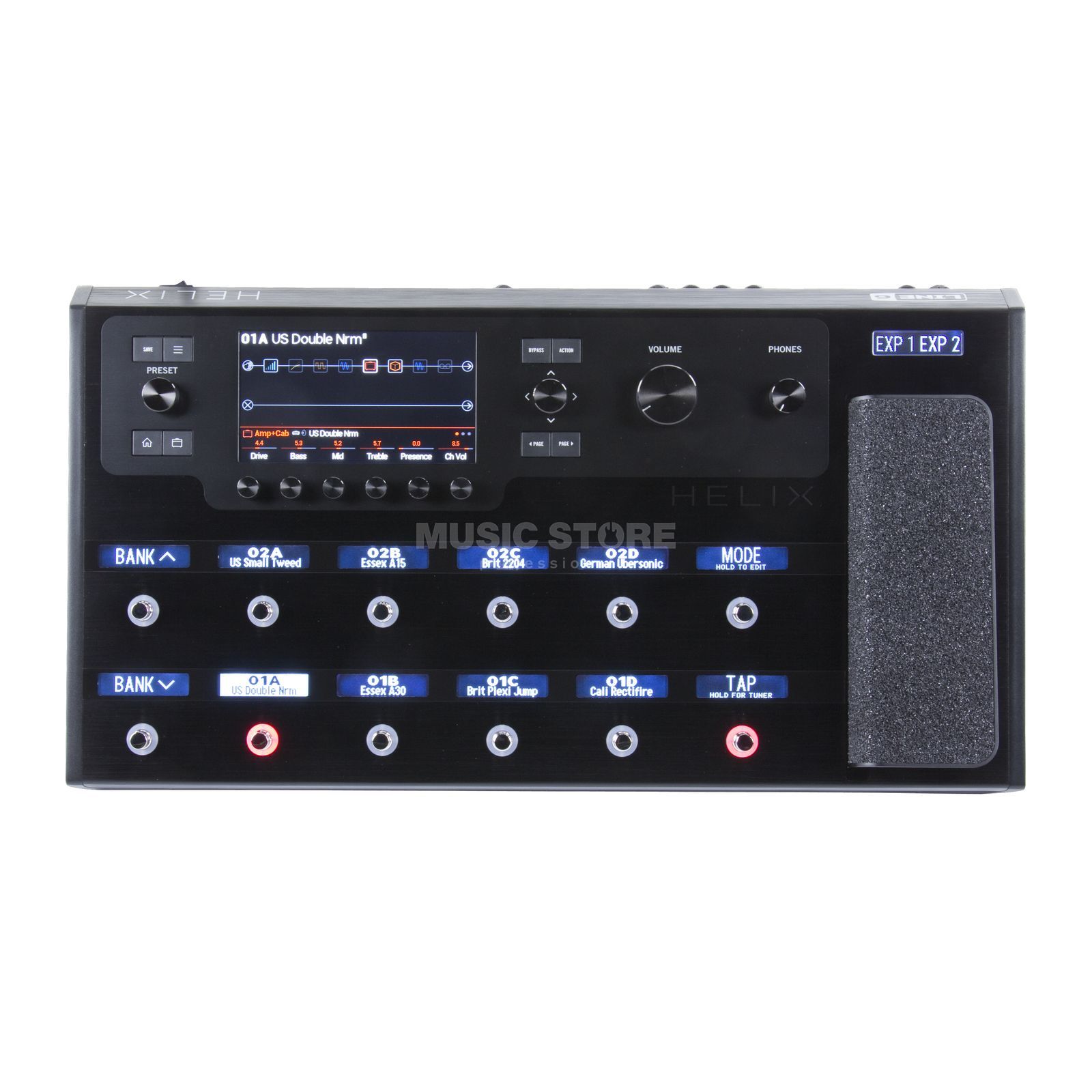 | A backup file from HX Edit | Helix Floor. Other units in the family read, with bank labels assumed |
| ASM Hydrasynth dump | 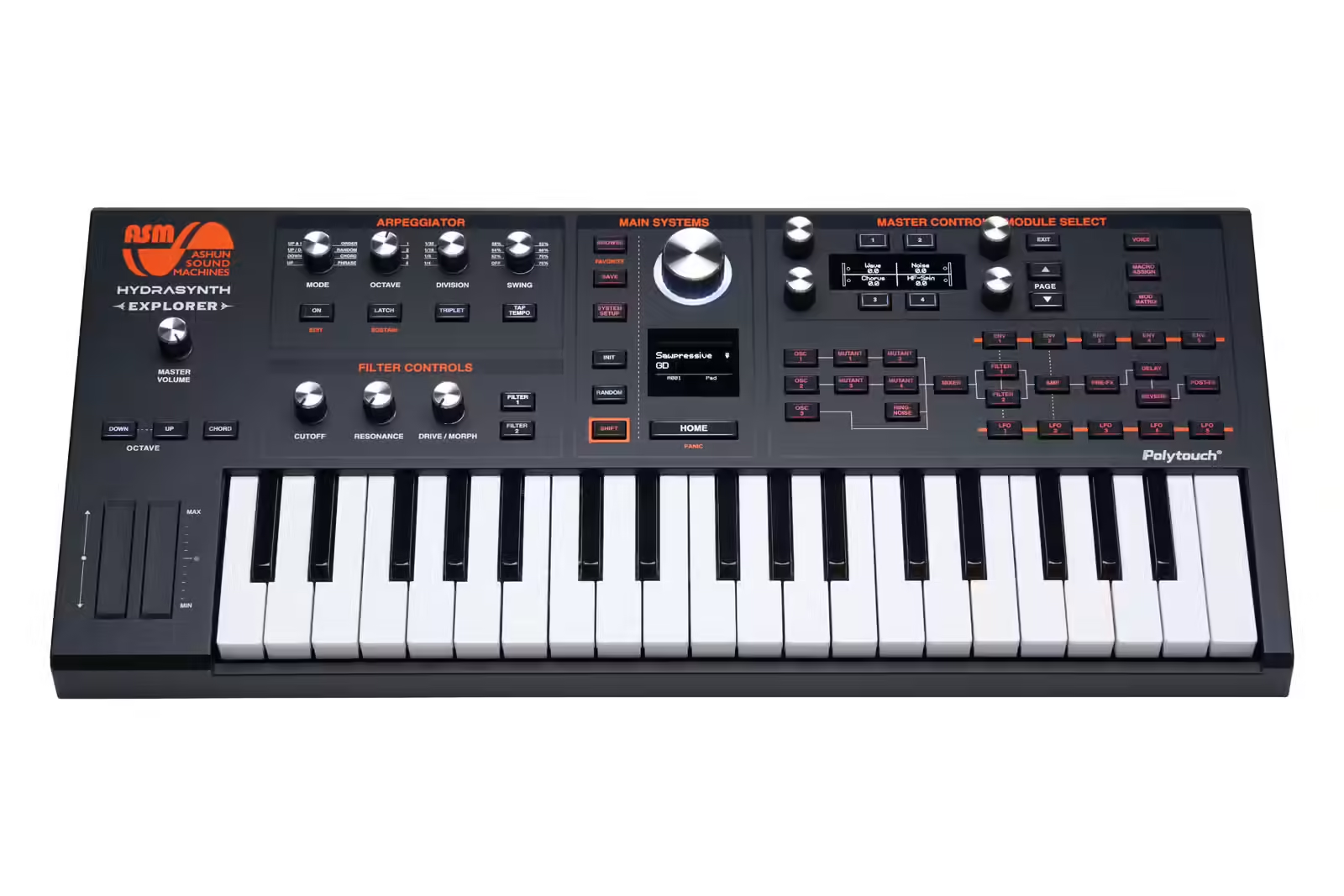 | A patch dump saved from the Hydrasynth | Hydrasynth family |
| CSV or Excel | A spreadsheet of patch names and numbers | Anything | |
| Downloaded index | A ready-made file from the resource centre | Whatever is published |
A file route needs no Pro mode and no MIDI connection at all — the equipment does not even have to be plugged in.
A file from your own equipment carries your patch names. A downloaded index carries the factory’s. If you play on factory patches, a download gets you searching in two minutes. If you have built your own sounds, take the file from your own unit.
Download a CSV Device Index
Choose a manufacturer, then your equipment, and download the index. Import it with Libraries → Import Device Index → CSV / Excel — the Quick Start Guide walks through it. No SysEx knowledge is required.
Everything else
All of it works. Nothing on this page is a requirement.
| What you can always do | What it needs |
|---|---|
| Change patches from a Pad | Program Change — virtually everything with a MIDI socket |
| Prepare several pieces of equipment at once with a Scene | The same |
| Trigger Pads and Scenes from a footswitch or controller | The same |
| Order your performance with Setlists and Live Mode | The same |
| Build an index by typing, or from a spreadsheet | Nothing but the file |
| Have MIDIDeviceManager follow your patch changes | Your equipment must transmit Program Change, and the Passive MIDI Monitor probe run once |
The only thing you lose is convenience. A Pad with a Program Change number typed into it recalls a patch exactly as reliably as one chosen from an index by name.
Equipment that does not answer identity requests is not incompatible. A great deal of current, professional equipment does not answer them — it is optional in the MIDI standard and always has been. Add it by hand, set its MIDI channel, and everything above works.
Apps that speak MIDI
MIDIDeviceManager isn’t only for hardware. It treats a piece of equipment’s MIDI port and another app’s own published MIDI port no differently — the same scan finds both, the same way.
If an app on your iPhone or iPad implements MIDI, MIDIDeviceManager can communicate with it to do whatever that app itself is designed to do with MIDI. What that turns out to be is up to the app, not MIDIDeviceManager.
Adding your equipment to the top table
The five above were worked out one at a time, by musicians with the equipment on a bench telling us what it actually said. Where a manufacturer publishes anything at all it is a starting point rather than an answer — for the POD 2.0 the shape of the request was documented and every value we held for it was wrong.
The POD 2.0 was added in an afternoon this week, on that basis.
If you own equipment that is not yet on the list and you would be willing to spend a little time with it, we would like to hear from you. It means sending a few MIDI messages and telling us what comes back. There is no programming involved.
We will tell you exactly what to send, and none of it alters what is stored in your equipment — the messages that build an index ask questions and change which patch is displayed, and write nothing. Please do not send messages of your own devising while you are helping us. The SysEx Lab will send whatever you type, including messages an instrument was never meant to receive, and working out what is safe for a particular unit is the whole substance of the exercise.
Write to us either way — knowing what our musicians actually use is what decides which equipment we work on next.